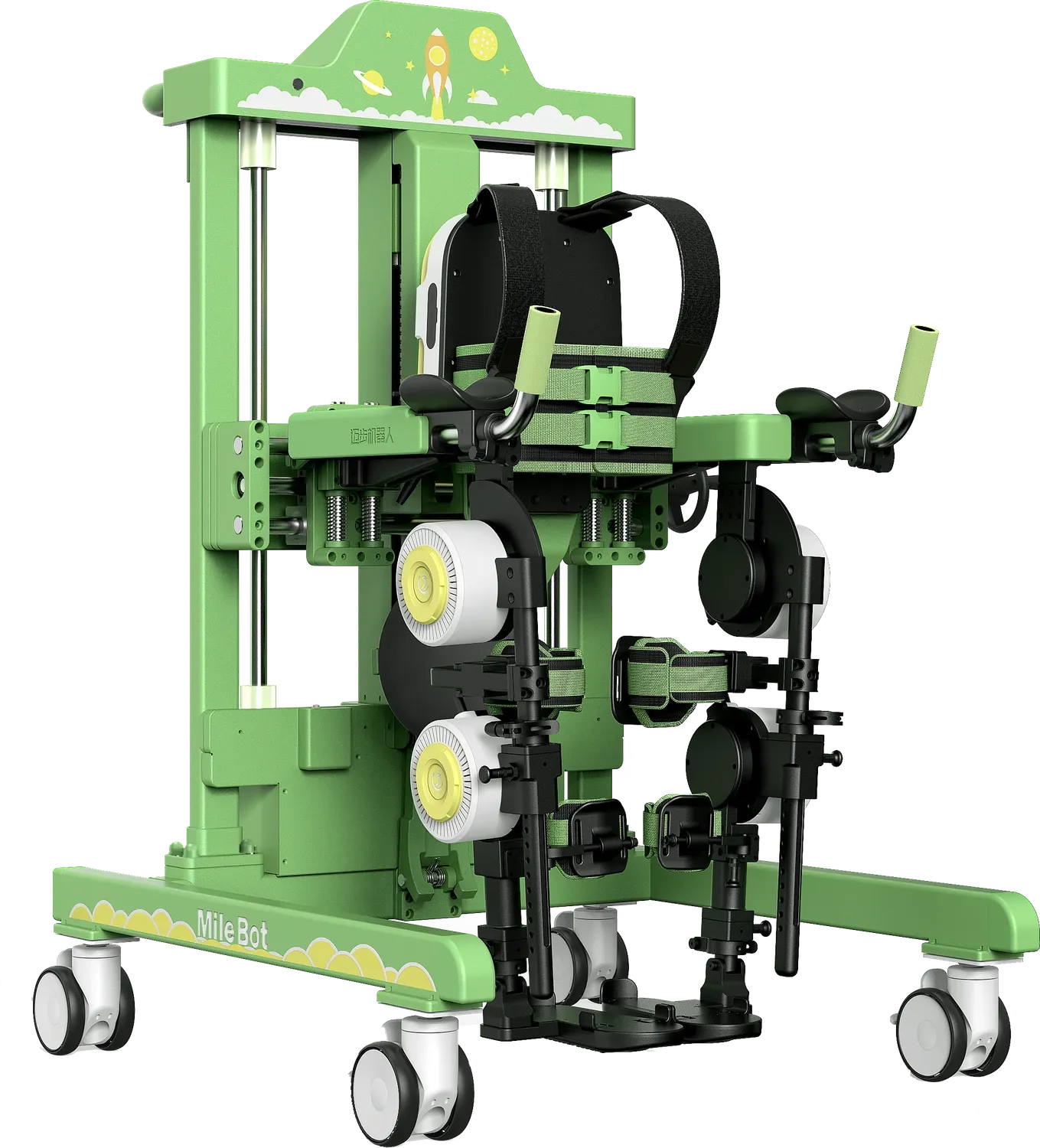
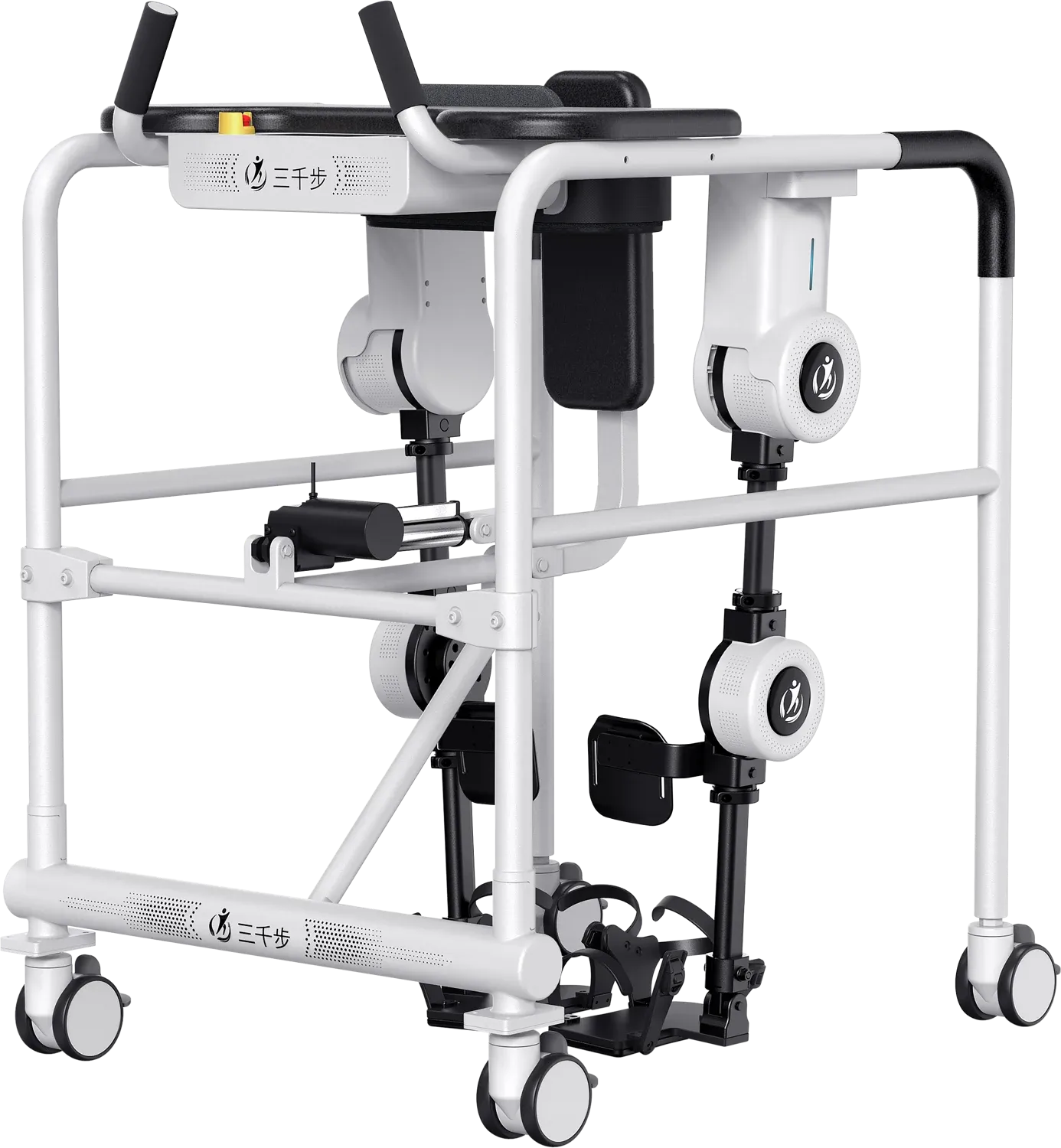
Clinical settings
For rehabilitation, neurology, neurosurgery and intensive care departments, and other medical institutions with professional staff.

A SERIESOverview
Adult rehabilitation exoskeleton
From individual fitting and training modes to session information.
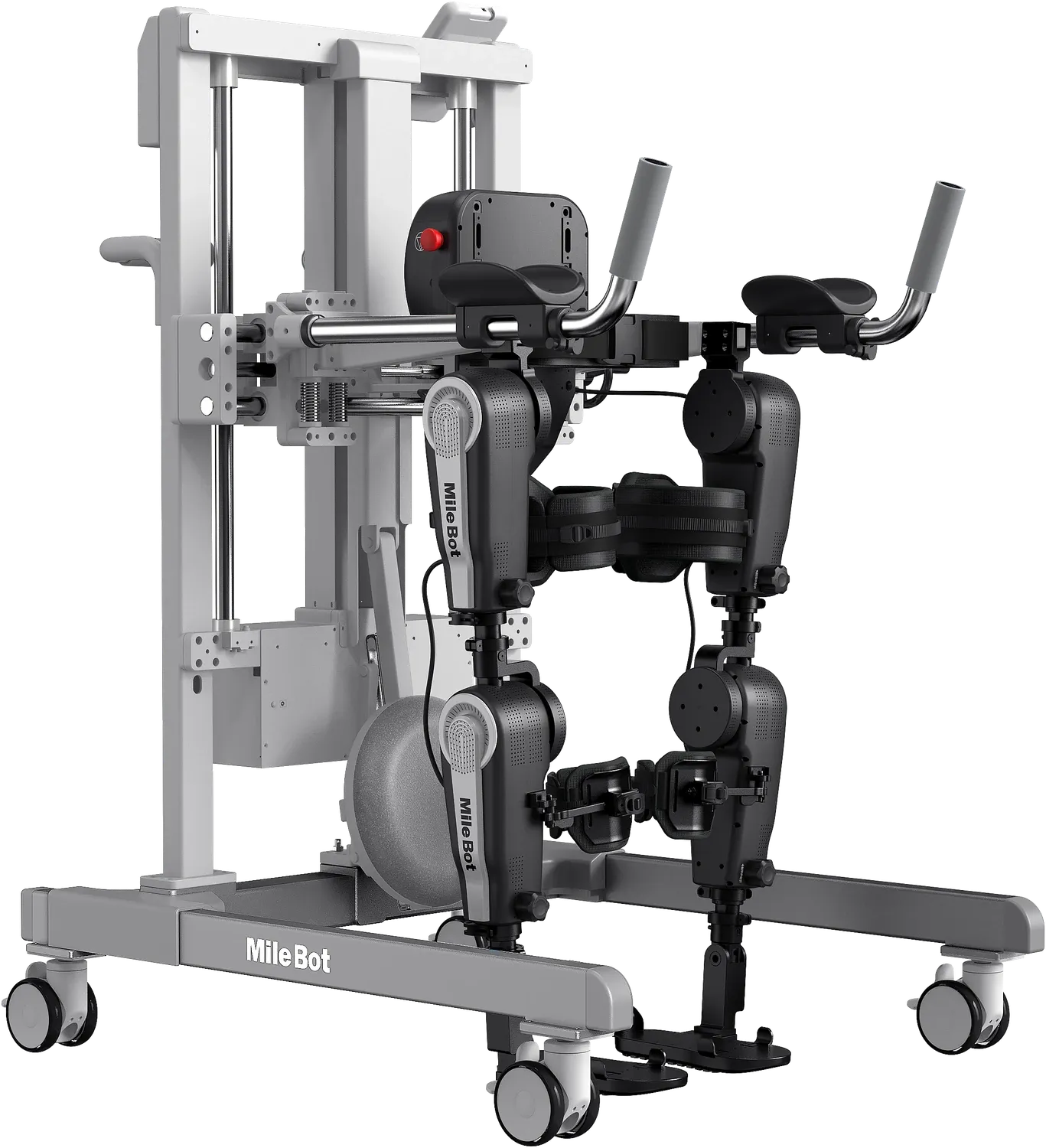
Professional rehabilitation
A Series combines powered hip and knee joints with body support for lower-limb rehabilitation. Adjustable fitting, several training modes and training information tools support sessions led by rehabilitation professionals.
For rehabilitation, neurology, neurosurgery and intensive care departments, and other medical institutions with professional staff.
The frame and wearable supports work with powered joints at both hips and knees to assist lower-limb movement.
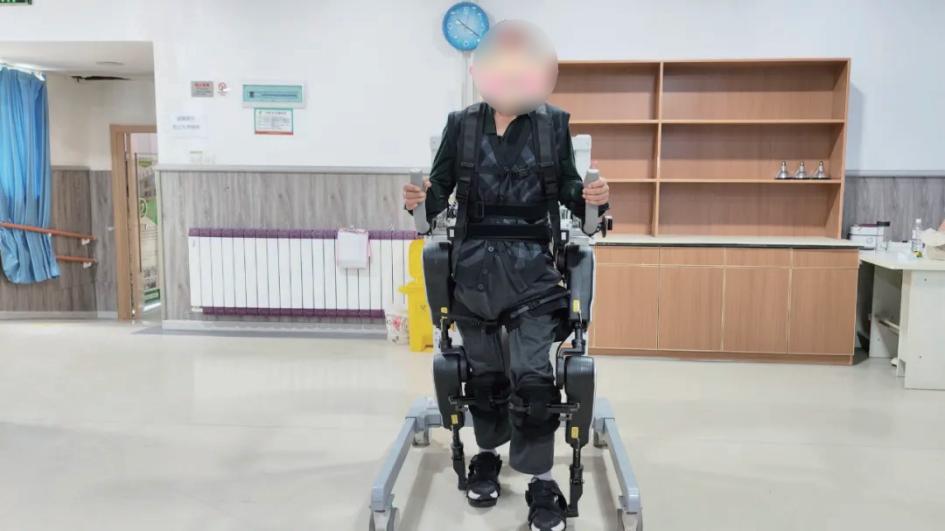
Fitting
From leg-length adjustment to securing the fit, A Series accommodates different heights and body proportions. The range includes powered and manual adjustment options.
On equipped models, height entered through the mobile interface is used to adjust thigh and lower-leg length. Settings can be saved for subsequent sessions.
The manual adjustment mechanism uses a spring-loaded pin and mechanical safety lock to secure leg length.
The support structure is designed around human joint positions and lower-limb movement, bringing the wearable supports into alignment with the body.
Powered adjustment, saved settings and digital features depend on the selected model and configuration.
Training modes
Active participation, individual steps, continuous walking and stepping in place offer different ways to structure a session. The professional leading the session selects a mode around the user’s movement and training needs.
The user actively participates in lower-limb movement, with assistance from the robot.
Break walking down into individual steps to work on each movement.
Repeat steps in sequence for sustained walking practice.
Practise repeated stepping without moving forwards, according to the space available.
Training information
User information and device-use records help professionals review each session. A wireless control panel displays movement trajectories alongside the controls.
Store information for multiple users and retain device-use data to support session records.
View and monitor movement trajectories in real time on the wireless control panel.
Bring fitting and training information together as a reference for subsequent sessions.
Storage, display and control features depend on the selected configuration.
Research connections
A Series supports integration with brain–computer interfaces, electromyography and functional electrical stimulation equipment for research involving movement intent, muscle activity and walking practice.
Explore active training →Connect BCI equipment for studies involving exoskeleton interaction and walking practice.
Use EMG equipment in studies of muscle activity during walking.
Integrate FES equipment for relevant research applications. The integration is defined around the study and device configuration.
A SERIES
Please refer to the product manual for specifications and instructions for your model.
A Series
Tell our team about your setting, fitting needs and training programme to discuss product information and a demonstration.